
Racket Rivals Controls: PC and PS4/PS5 Button Guide
Learn Racket Rivals controls for PC, PS4, and PS5, including charged swings, sets, dashes, and camera tips to help you reach the shuttle and win rallies.
Jump to
What Are the PC Controls?
Stop panic-clicking every return. Learning the Racket Rivals controls helps you charge a deliberate shot, set up a teammate, and dash into position before the shuttle drops. On PC, start with left click to swing, hold left click for a power swing, press E to set, and use Q to dash.
| Action | PC Input |
|---|---|
| Swing | Left click |
| Power swing | Hold left click |
| Set | E |
| Dash | Q |
| Ability | 1 |
| Awakening | 2 |
| Emotes | V |
| Bubbles | B |
Get comfortable with swing, set, and dash before adding more inputs during a rally. Those actions let you return the shuttle, give a teammate time to attack, and cover an open part of the court.
Keep 1 within easy reach, too. Your spirit ability refreshes after either team scores, so look for an opportunity to use it during each rally instead of leaving it untouched for most of the match.
Official page: Racket Rivals (roblox.com)
PS4 and PS5 Button Layout
On PlayStation, R2 handles serving and hitting, while Circle gives you a dash. The jump button and the serve jump use separate inputs.
| Action | PS4 / PS5 Input |
|---|---|
| Serve | R2 |
| Hit | R2 |
| Charged hit | Hold R2 |
| Jump | X |
| Dash | Circle |
| Jump up for the serve | Triangle |
| Ground slam | L1 |
| Freeze an incoming shuttle | Square |
| Camera view adjustment | Click right stick |
Check the control prompts in the bottom-right corner while learning the layout. Keep X and Triangle straight: X is your jump, while Triangle is used to jump up for the serve.
Click the right stick to zoom out when you need a wider view of the shuttle. Keep enough of the court visible to judge where it is heading before committing to a dash.
Press Options to access text chat and voice chat controls. The touchpad also lets you interact with elements on the screen.
Control Your Swing Power and Timing
Holding the swing input gives you a charged shot: left click on PC or R2 on PlayStation. Use that extra preparation time to aim instead of repeatedly tapping the hit button.
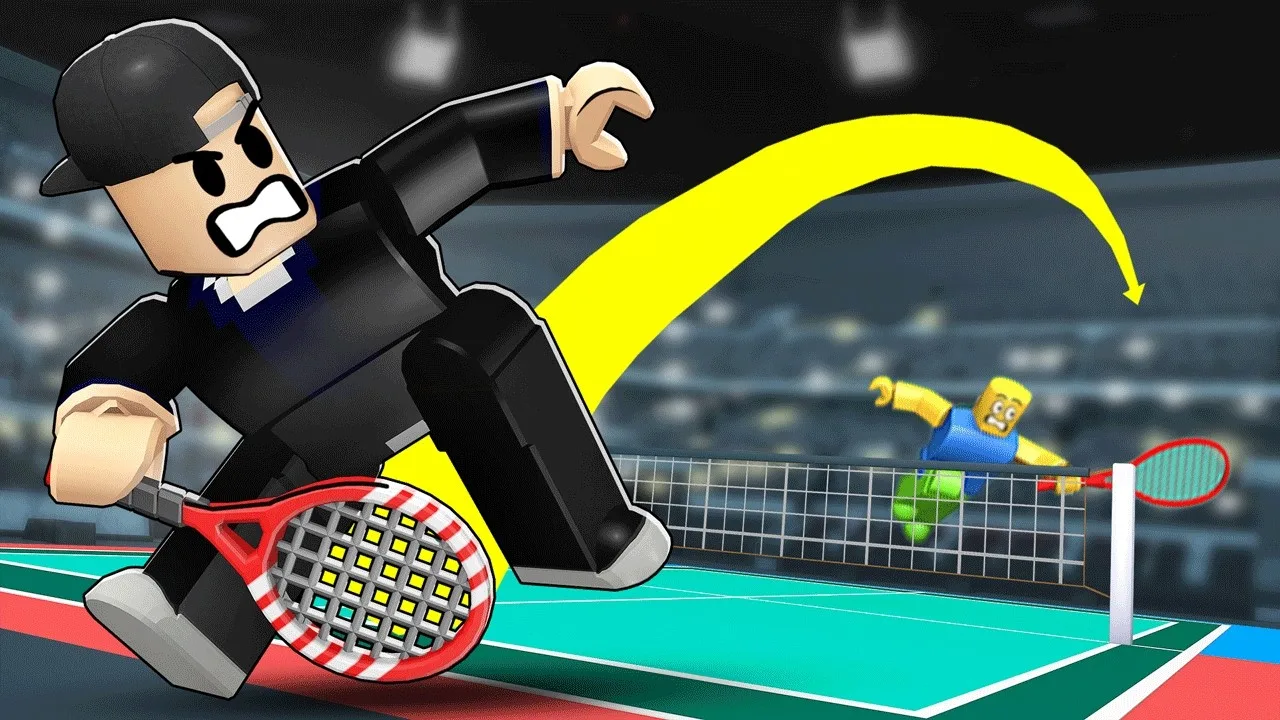
Aim toward corners or use wall rebounds to make a return harder to read. Change your placement between shots so an opponent cannot keep waiting in the same spot.
Full power is not the answer to every ball. Near the net, try a softer cross-court hit when the angle is available. Mix those lighter shots with charged attacks to keep your returns less predictable.
For a high shuttle or a teammate’s set, practice delaying your jump and making contact later, around chest height. Work on that timing before trying to force every opportunity into an immediate smash.
Use Sets to Build a Team Attack
Press E on PC to set the shuttle. Setting slows the exchange and gives a teammate extra time to prepare a stronger, better-aimed shot.
Use these opportunities to practice it:
- Set when a teammate needs time to position for an attack.
- Ask for a set when you have space to prepare a charged swing.
- Pass between teammates to change the shuttle’s momentum before sending it back.
Setting has a short cooldown, so choose the moment carefully. Avoid spending it automatically on every reachable shuttle, especially when a difficult return could follow.
In duos, your team has two touches; in trios, it has three, with each player contributing a touch. Use those touches to create an opening instead of immediately returning every ball.
Dash Farther and Keep Your Position
Press Q on PC or Circle on PlayStation to dash. Dashing in the air covers more distance than dashing along the ground, making it useful when the shuttle is heading beyond your normal reach.
Practice jumping into a dash, then judging where you will finish before swinging. Repeated dashes can make your movement harder to control and leave you chasing the shuttle.
Start near the middle of the area you are covering, then dash toward the incoming shot. In doubles, split coverage with your teammate so you can each respond without constantly crowding the same return.
Continue with
 Racket Rivals Guide: Controls, Shots, and Ranked TipsUse this Racket Rivals guide to learn controls, smarter shots, passing, and court positioning, then put your spirits and awakenings to work in ranked play.
Continue exploring
Racket Rivals Ranks: A Guide to Ranked 1v1 Matches
Explore Racket Rivals ranks, ranked 1v1 play, and the controls that matter in a rally. Practice swings, sets, and abilities before your next solo match.
Racket Rivals Best Awakenings: Top Picks and Play Tips
Find Racket Rivals best awakenings for team buffs and stronger smashes. Compare top picks, learn Wall Portals timing, and see how to unlock new ultimates.
Join the community
Official channels for news, updates and player help: